
Browsing Protection: Safeguard Your Online Surfing
· Updated 2026-09-09 · By iLove VPN Editorial Team
Browsing Protection: Safeguard Your Online Surfing, revisited with practical checks, clear limits and a safer way to test the connection.
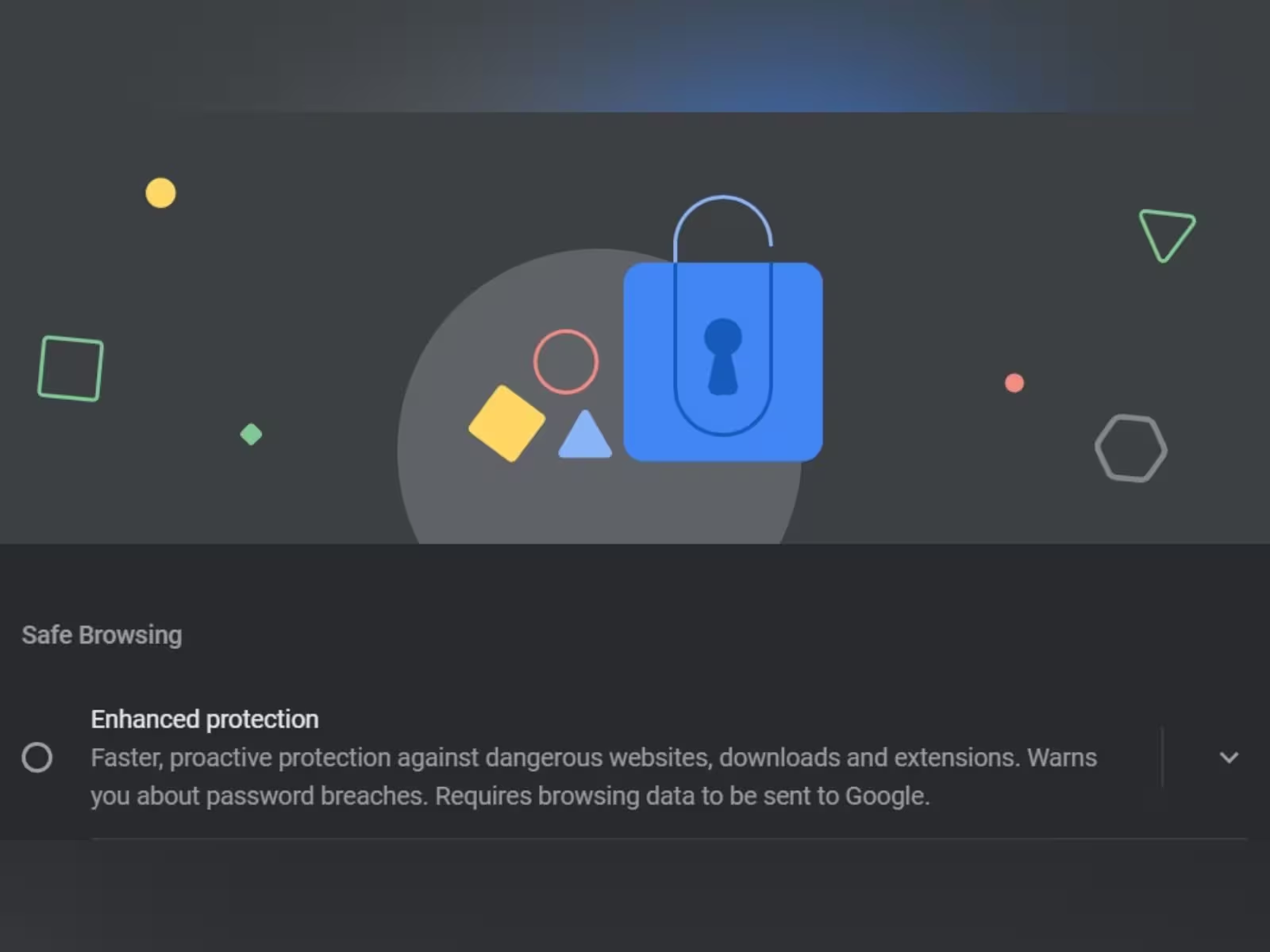
The practical version
Browsing Protection: Safeguard Your Online Surfing does not need a dozen setting changes at once. Incognito mode limits local browser history, cookies remember sessions, and content blockers remove selected page requests. None of those tools hides the public IP from a website.
Before using a VPN
Test a broken site in a clean private window with extensions disabled. If it works there, re-enable blockers one at a time instead of clearing every browser setting.
When iLove VPN is relevant
A VPN covers the network route, so it complements browser controls rather than replacing them. The Wi-Fi operator sees less while the browser can still manage cookies and trackers.
One honest caveat
Every extension receives some level of browser access. Keep the list short, install from the official store and remove tools that have changed owner or have not been maintained.
Check the result
Connect iLove VPN before opening the service, choose a practical nearby route and check the result again. If this browser privacy check produces the same failure, repeat on mobile data. Two controlled comparisons tell you more than ten server changes.
Use a safer route
iLove VPN protects public Wi-Fi, hides your visible IP and adds Stealth Mode for networks that block normal VPN traffic.