Secure Your Privacy: Try Our DNS Leak Test Now
· Updated 2026-09-09 · By iLove VPN Editorial Team
Secure Your Privacy: Try Our DNS Leak Test Now in plain English, including what websites can see and what a VPN actually changes.
The practical version
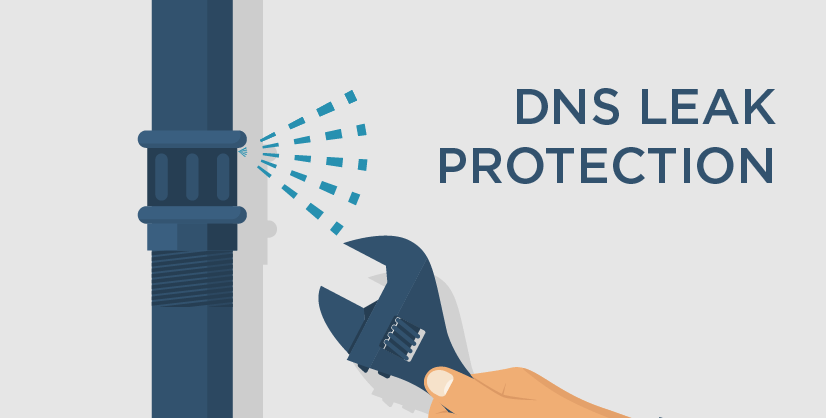
Secure Your Privacy: Try Our DNS Leak Test Now does not need a dozen setting changes at once. DNS translates a name such as ilovevpn.app into an address a device can reach. If those lookups leave outside the VPN tunnel, the local provider may still see or alter the requested domains.
Before using a VPN
Connect the VPN, run the same DNS leak check twice and compare the provider names. A resolver owned by the hotel, mobile carrier or home ISP is the result to investigate.
When iLove VPN is relevant
A working VPN should route supported DNS requests through its protected path. Private DNS, browser secure-DNS settings and old configuration profiles can still override that path on some devices.
One honest caveat
A clean DNS result does not make a signed-in browser anonymous. Cookies, account history and device signals remain separate from the lookup route.
Check the result
Connect iLove VPN before opening the service, choose a practical nearby route and check the result again. If this DNS leak check produces the same failure, repeat on mobile data. Two controlled comparisons tell you more than ten server changes.
Use a safer route
iLove VPN protects public Wi-Fi, hides your visible IP and adds Stealth Mode for networks that block normal VPN traffic.